
Key Features
A clearer experience for every client
Why Recorder
Clarity, control and consistency for every client interaction
Why Recorder?
Brokers achieve measurable results that transform their business






Further insights
Frequently asked questions
What can clients do in the Client Portal?
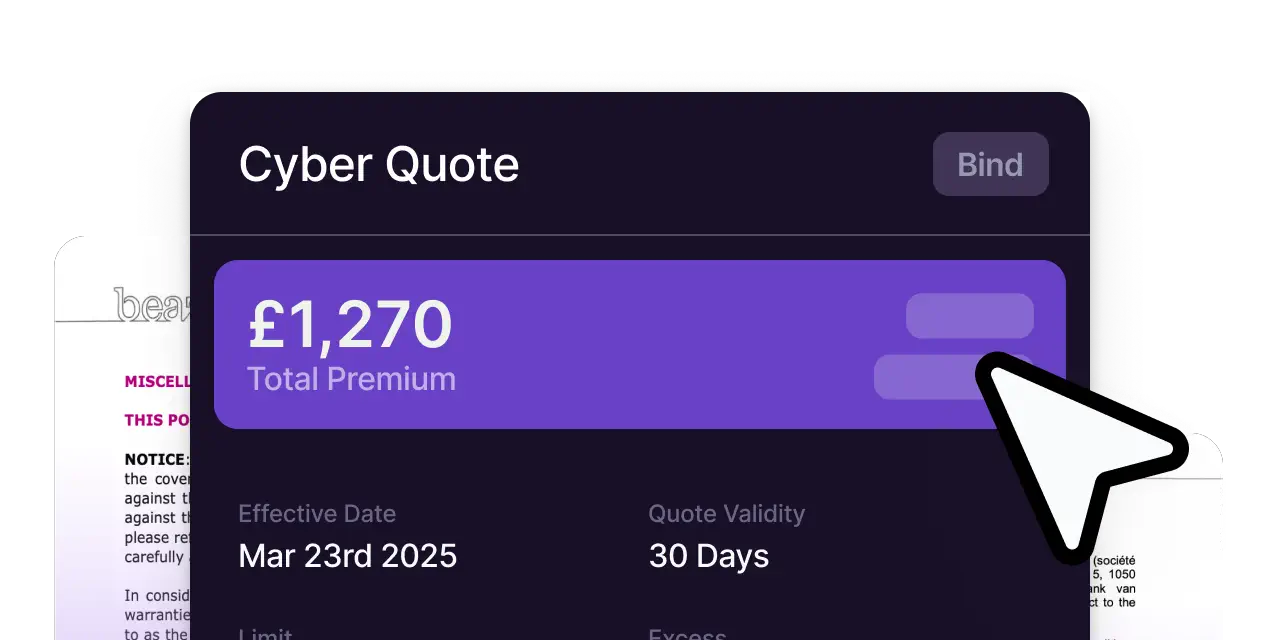
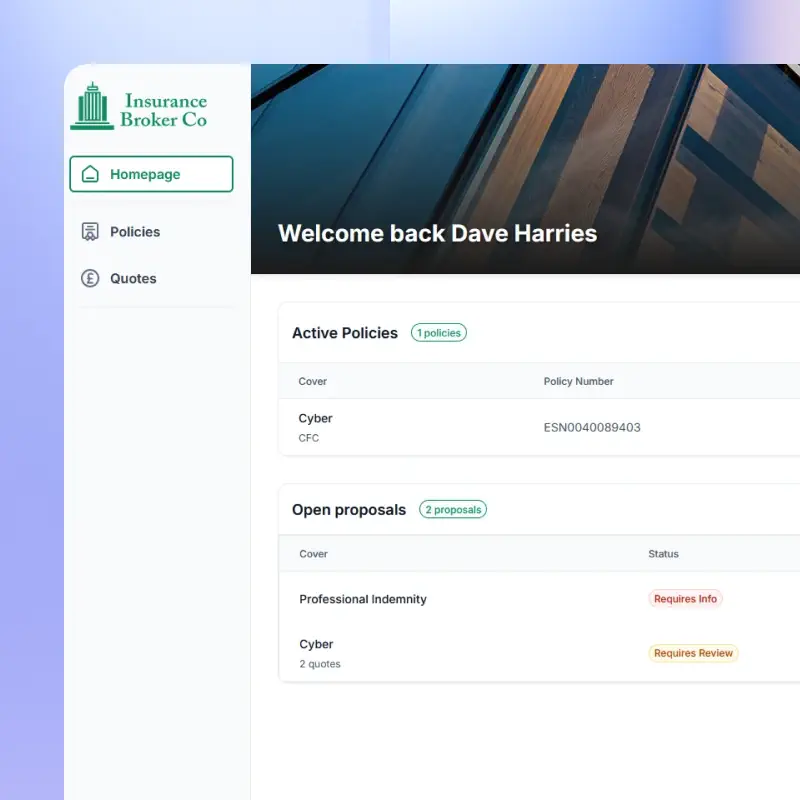
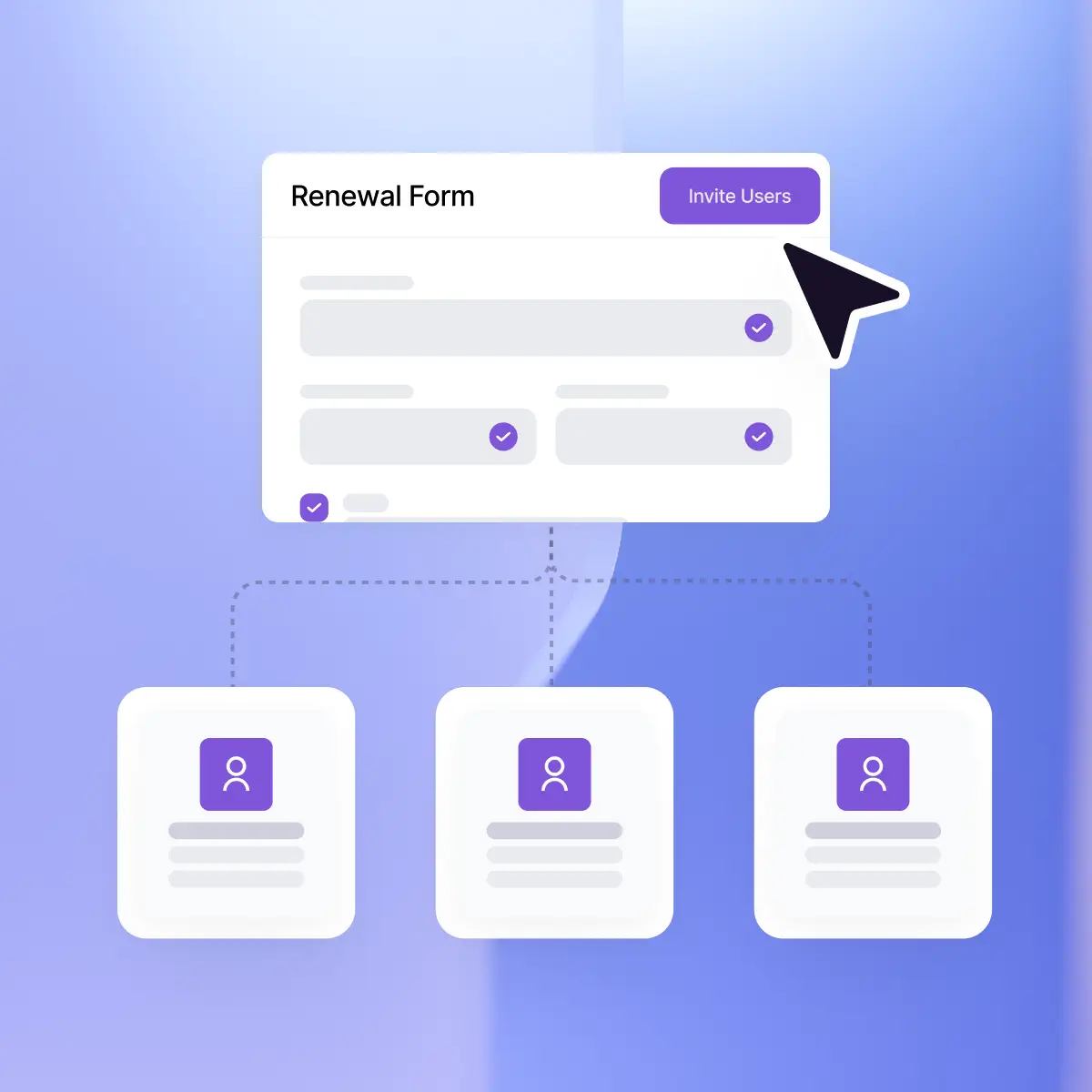
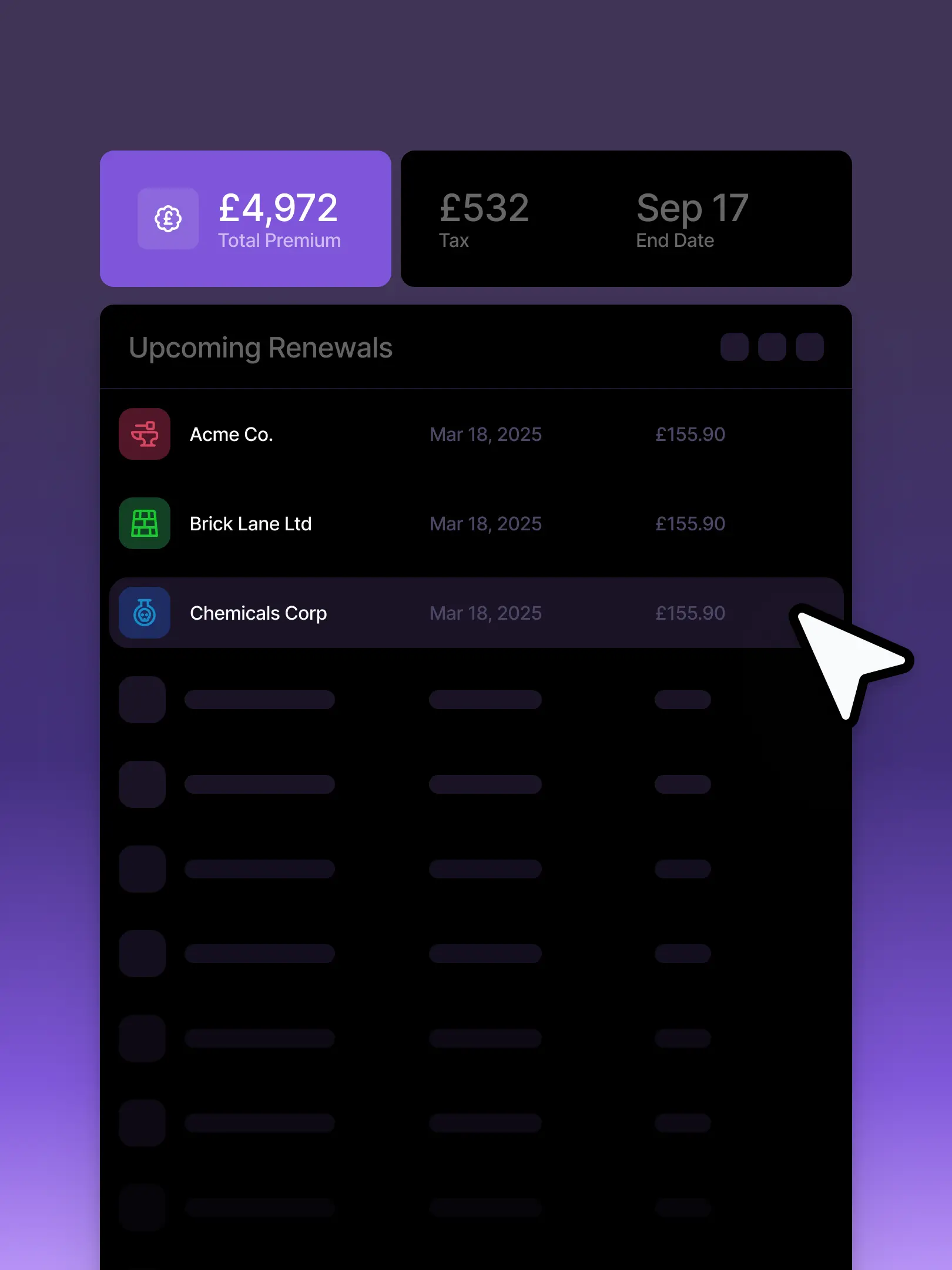
Clients can view their policies, download documents, review quotes, and complete risk information in one place. They can also view client presentations, upload supporting documents, and collaborate with colleagues on submissions. Brokers can message clients directly through the portal, reducing email chains and speeding up decisions.
Is the Client Portal optional for individual clients or groups of clients?
Yes. Use of the Client Portal is entirely optional and controlled by the broker. Access can be enabled for individual clients or defined groups, depending on how the broker chooses to manage the client experience.
How much does the Client Portal cost?
There is no additional charge for the Client Portal. It is included as part of the broker’s Recorder licence.
Can client presentation templates be customised?
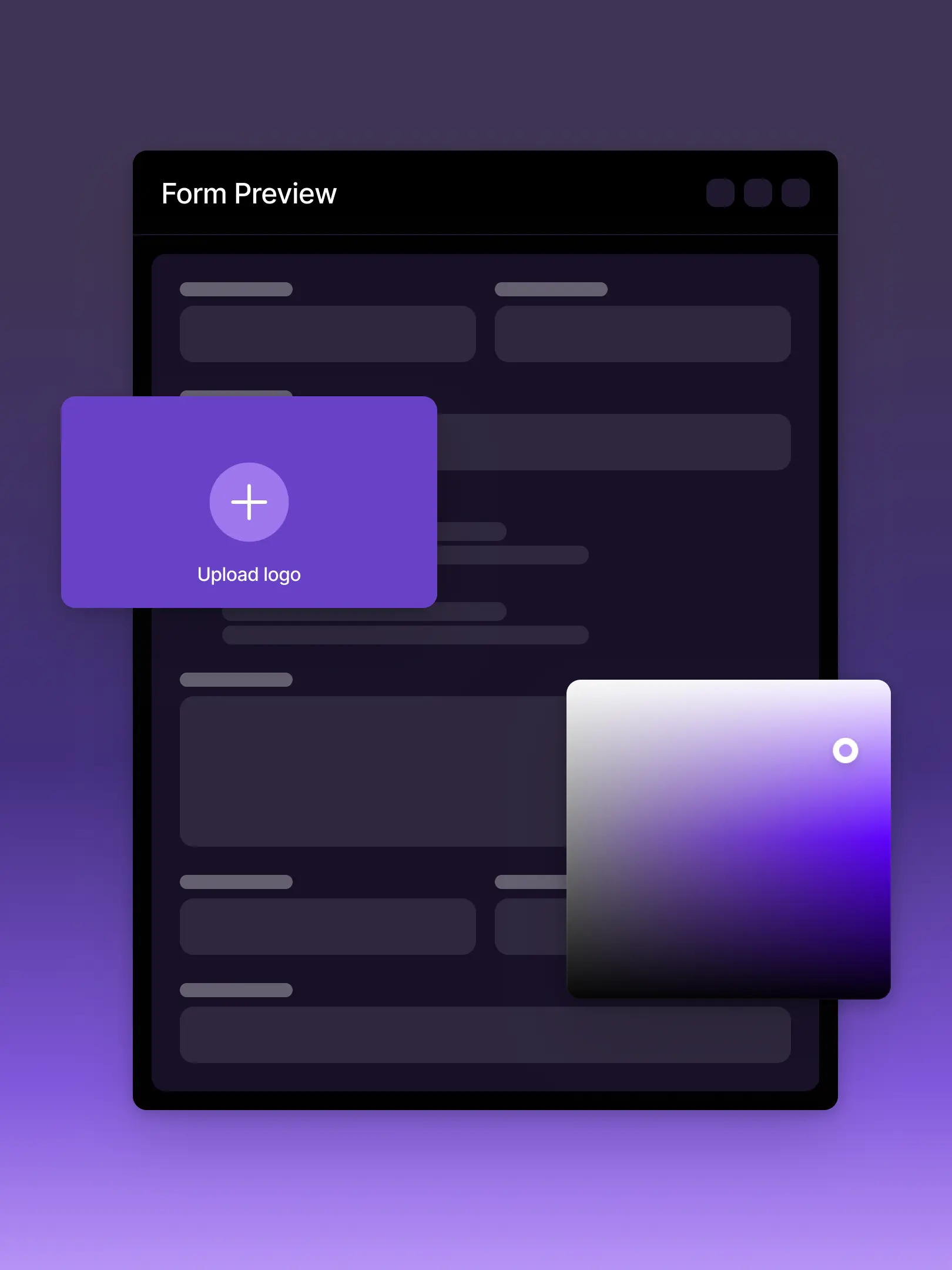
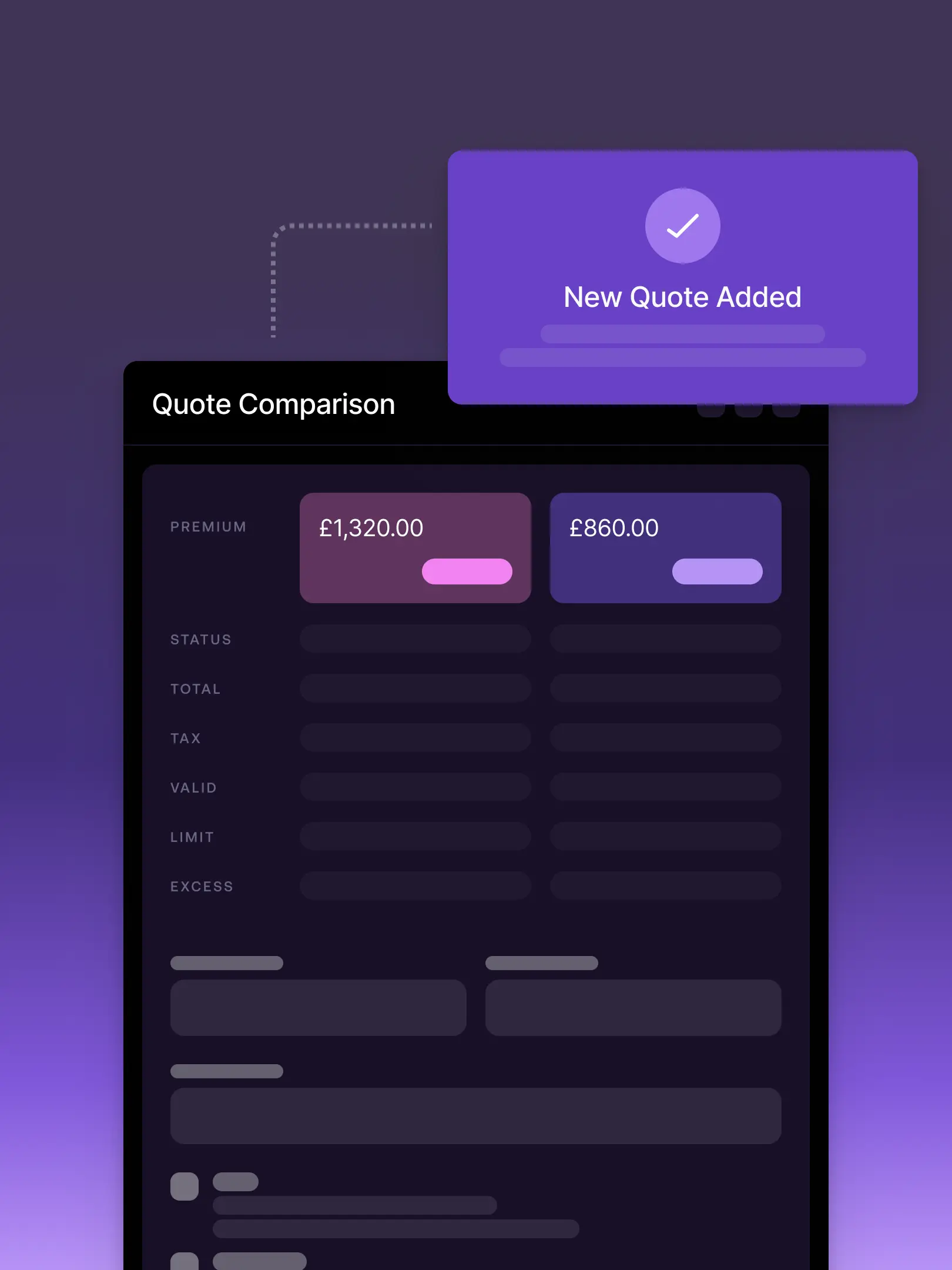
Yes. Client presentations are fully branded and configurable by the broker. Brokers can present recommendations, demands and needs, pricing options, and supporting documents in a consistent format for client review. Presentations can be accessed directly in the Client Portal or shared securely via a link.
Is the Client Portal white-labelled?
Yes. The Client Portal is fully white-labelled and branded to your brokerage. Clients experience the portal as an extension of their broker relationship, not a third-party system.